Any scene · any designer fit · your real face
Your face.
Anywhere worth
being.
Tap a trending scene, type your own, or recreate a viral photo — wearing real designer pieces we put on you, in candid shots that actually look like you. Enhance to 4K and build a whole feed.
- Trending scenes
- Recreate viral photos
- Wear designer pieces
- Enhance to 4K
- A week of posts
Free to try · no card to start

Private Jet · wheels up
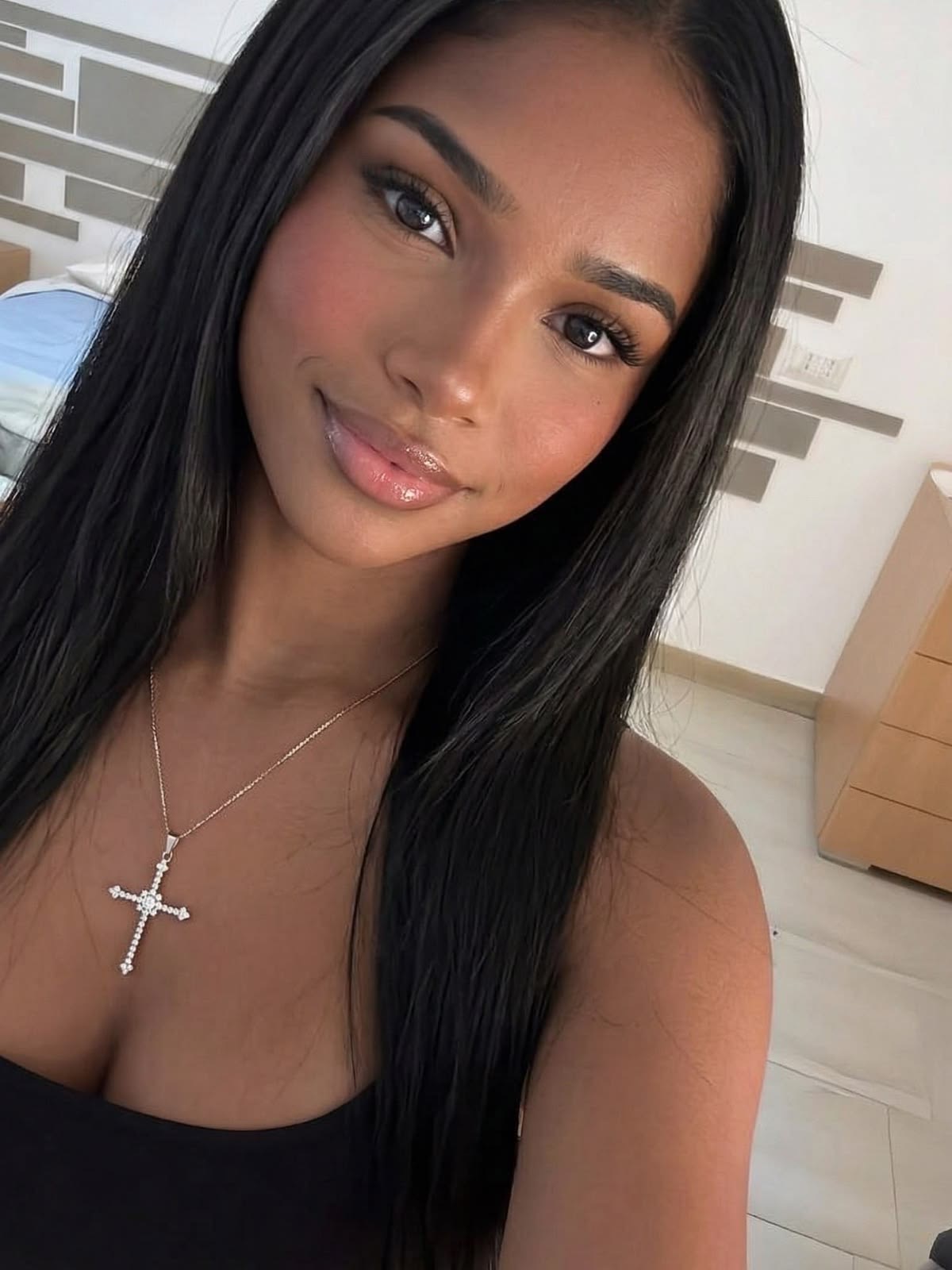
1 selfie
One subscription · six tools, all included
One selfie in. A feed out.
Add your face
Upload 3–4 selfies from slightly different angles. That's the whole setup — it locks your likeness so every shot is unmistakably you.
Pick, type, or recreate
Tap a trending scene, type your own in plain English, or paste a viral photo to recreate as you — then add a real designer piece (a Rolex, a jacket, a bag) to wear in the shot. No prompt writing, no ChatGPT.
Generate, polish, post
Candid, shot-on-iPhone photos in seconds that actually look like you. Enhance to 4K, widen the frame, or spin a whole week of posts — then save and share.
Everything in one app
Six tools that run the whole larp.
Not just a generator. Tap through what's inside — each one does real work, and they all feed each other.
Make the shot
Add your face once. Tap a scene — or describe your own in plain English — and get candid, shot-on-iPhone photos of you there in seconds.
- No prompts, no ChatGPT
- 8 built-in scenes + custom
- Enhance any shot to 4K
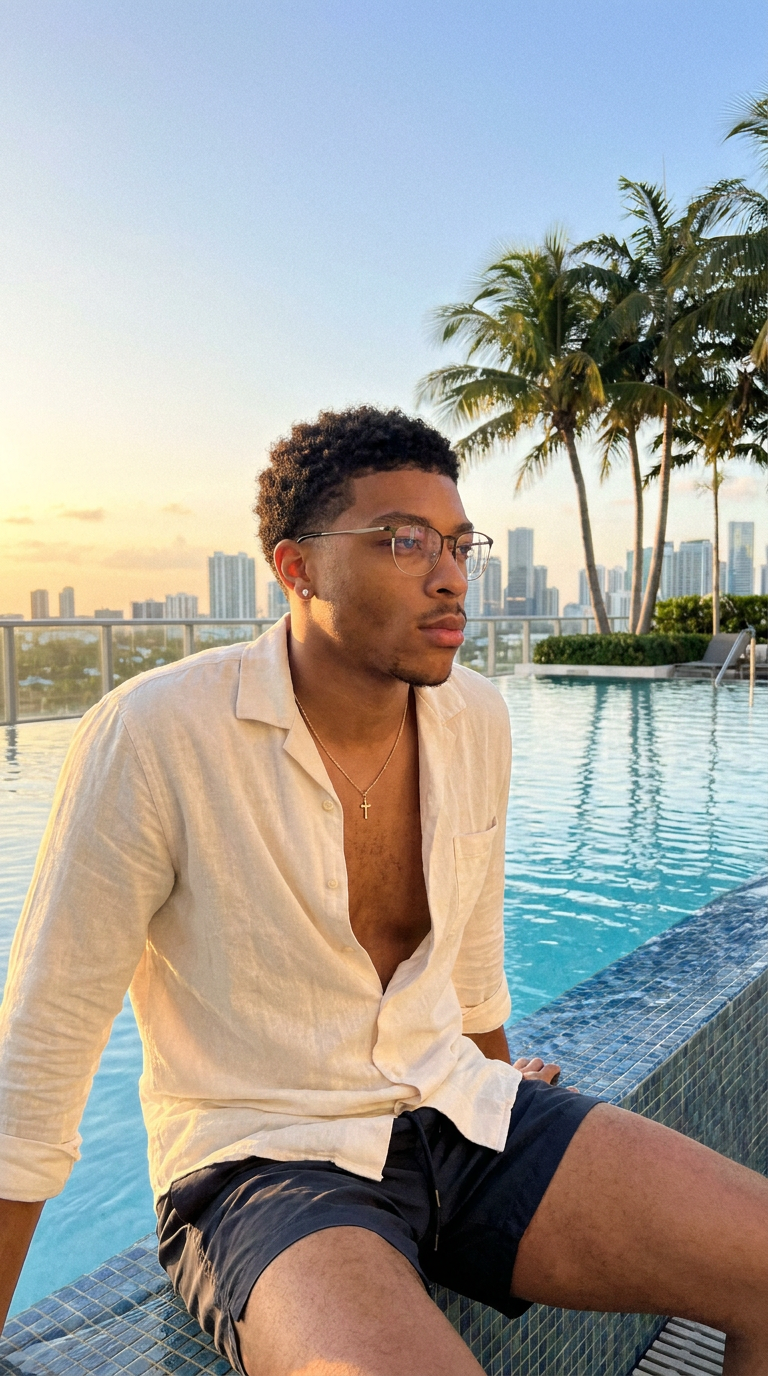
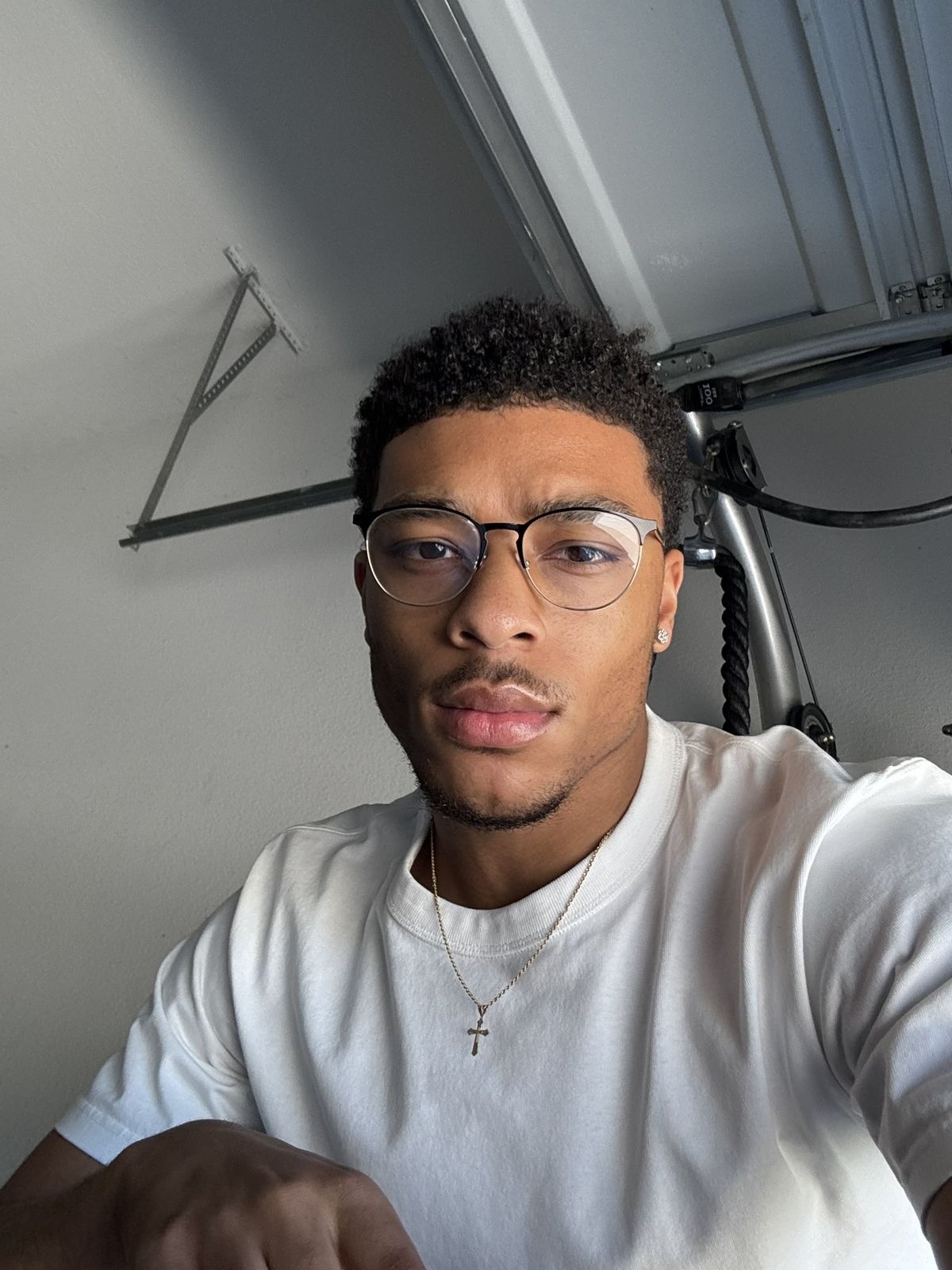
The Editor · every shot, post-ready
Sharpen it. Widen it. Post it.
A raw generation isn't the end — the Editor makes it post-ready. Both demos below are real output. Drag the first; compare the second.
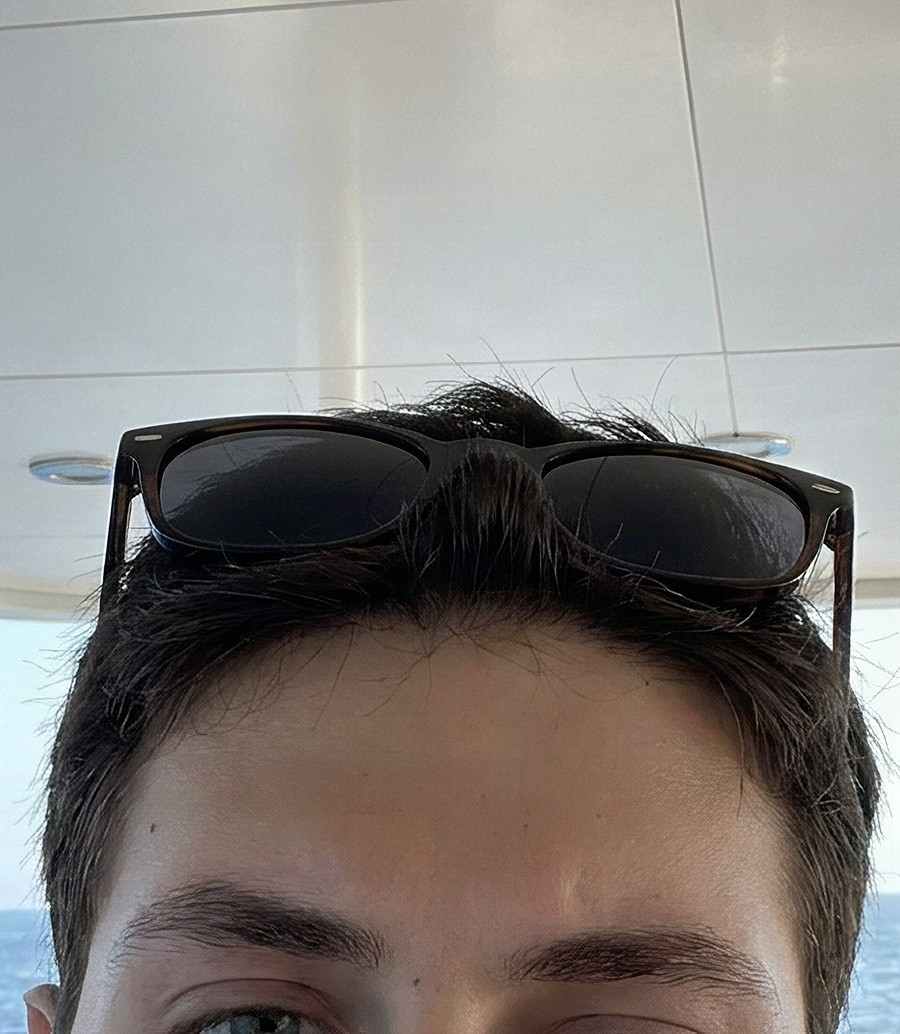 Raw4K
Raw4K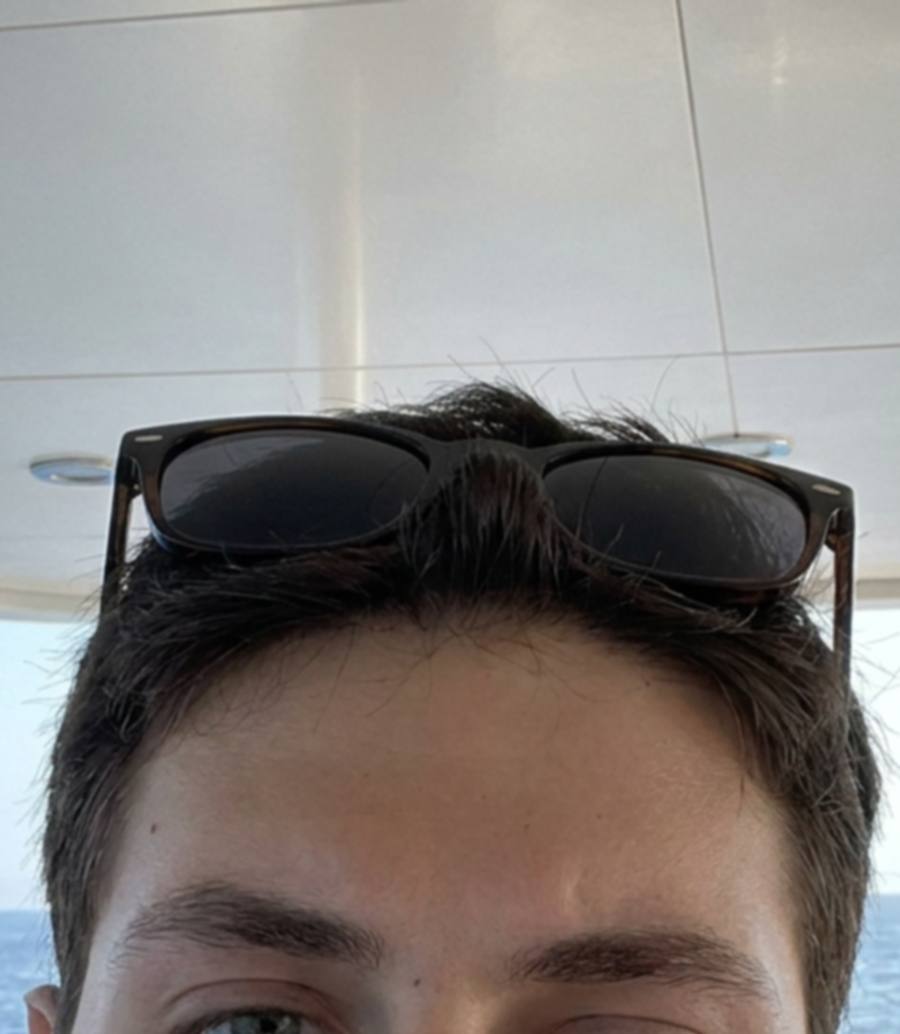
Enhance to 4K
A soft generation sharpened until hair, stubble and skin hold full-screen — the same face, just far more detail. Zoomed in here so the jump is visible.
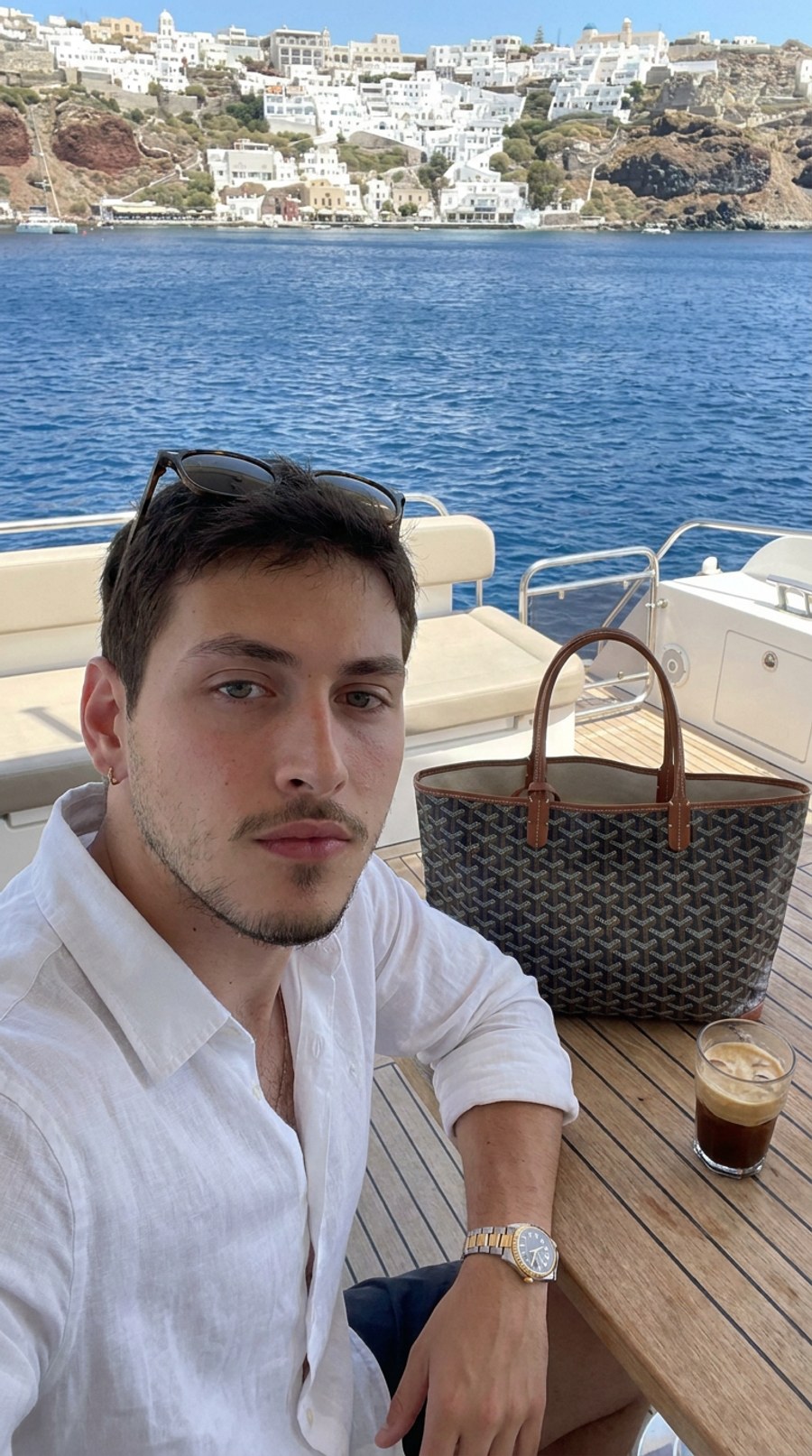
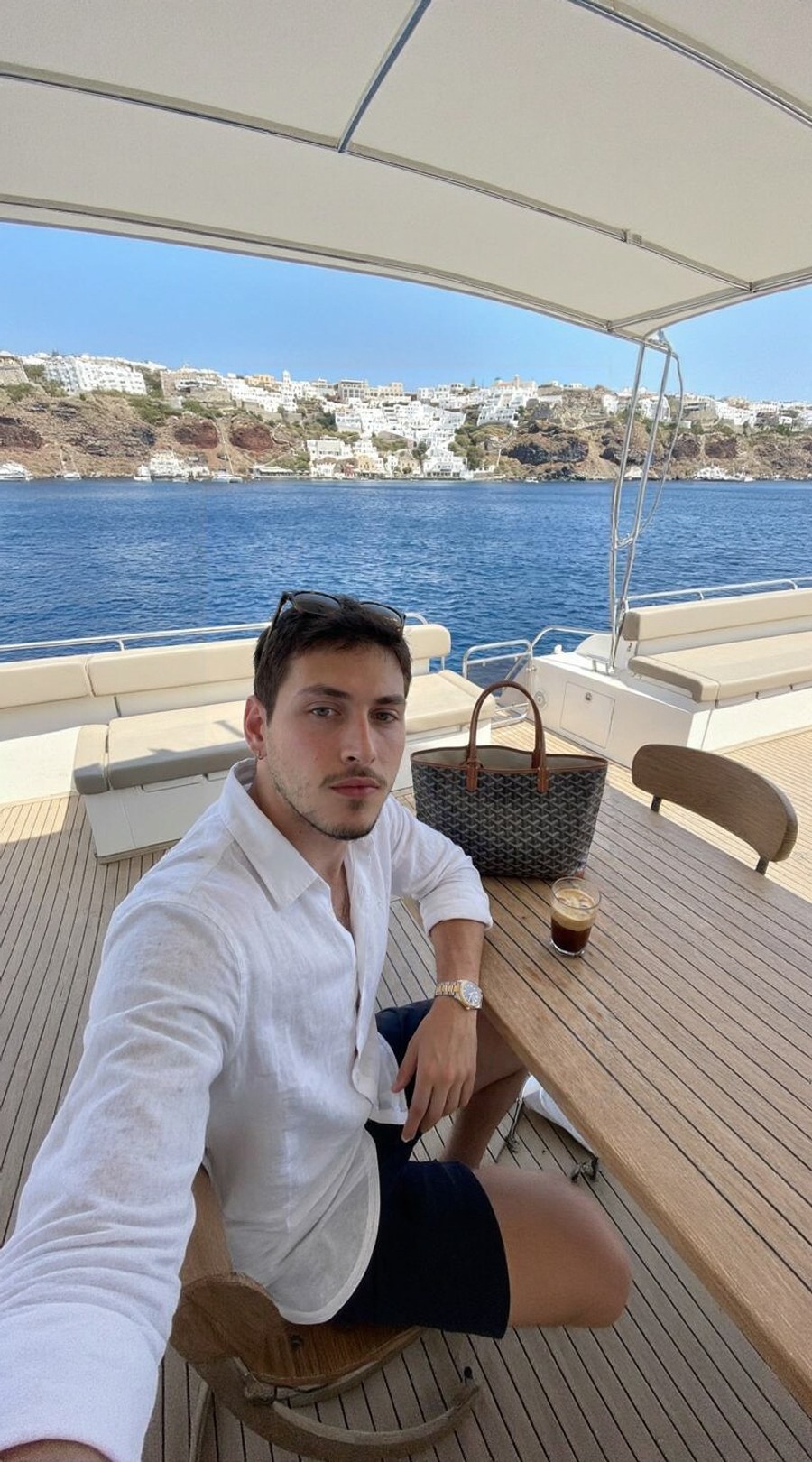
Expand the frame
One tap fills in believable scene around the photo — see how much more boat, water and coastline appears. Or zoom a tight shot out to a fuller 9:16.
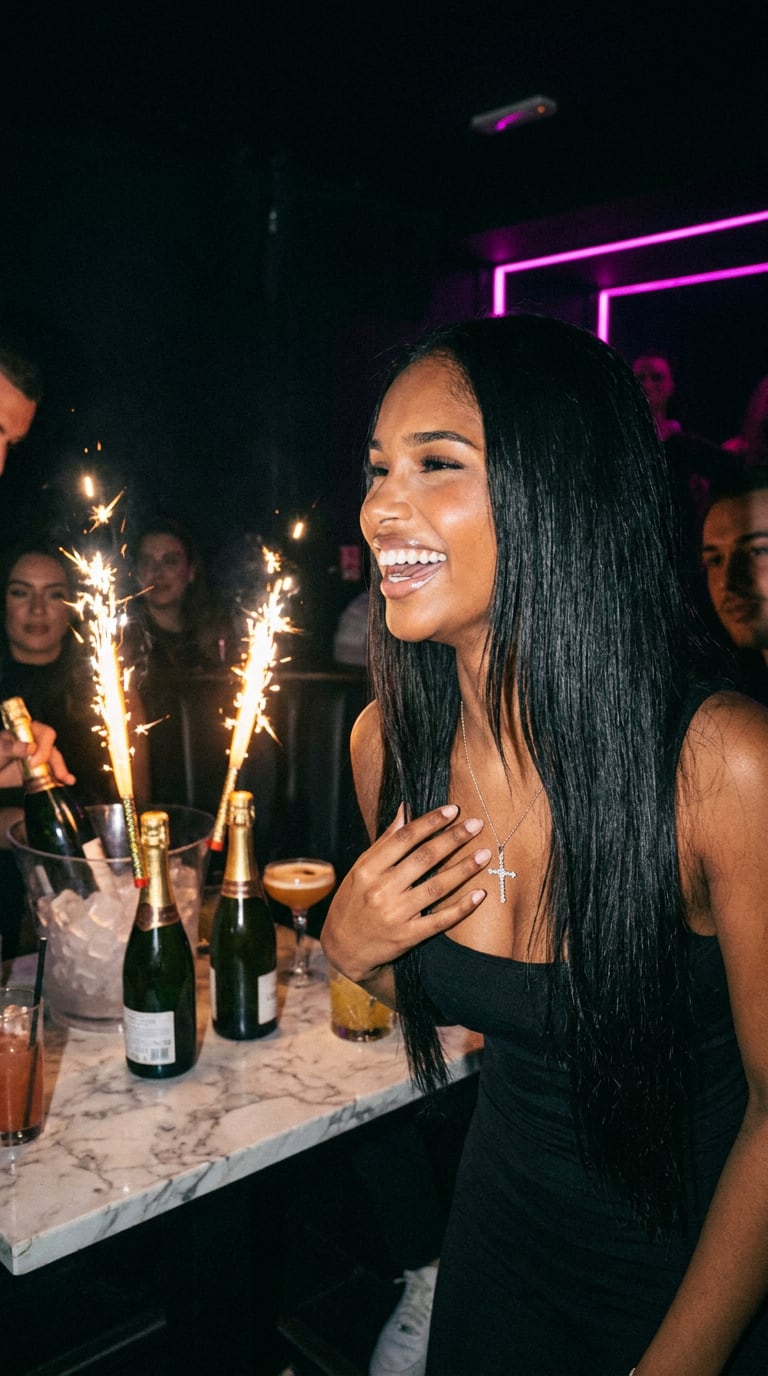
Real people · real photos
One selfie in. This much out.


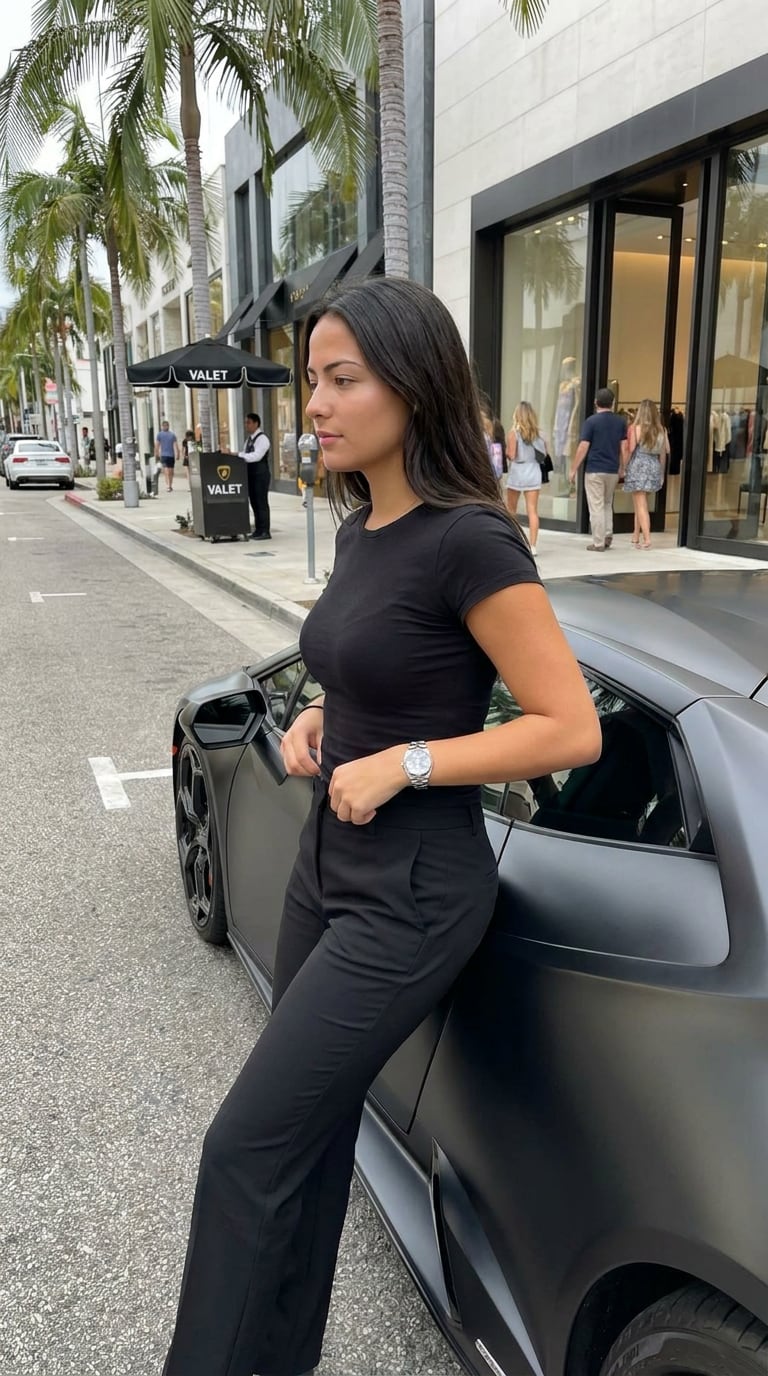
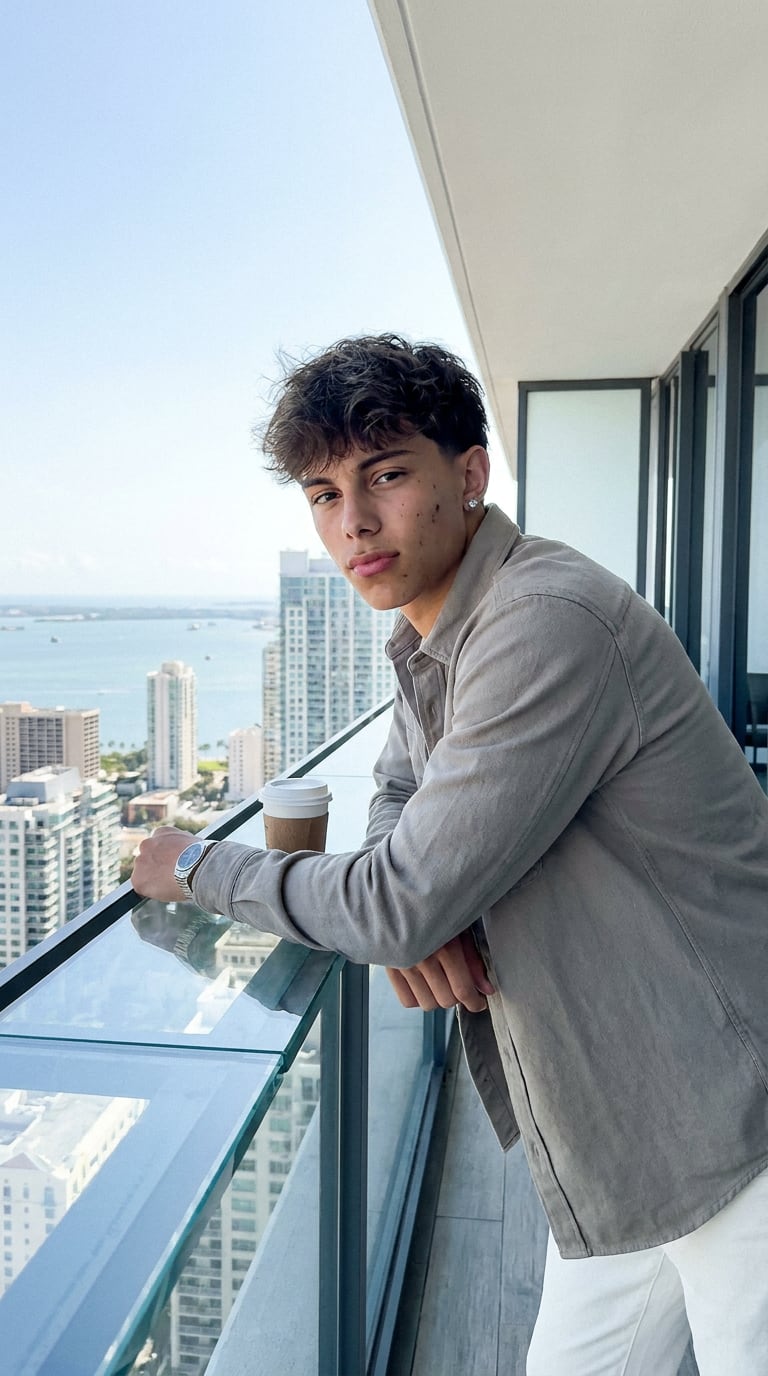
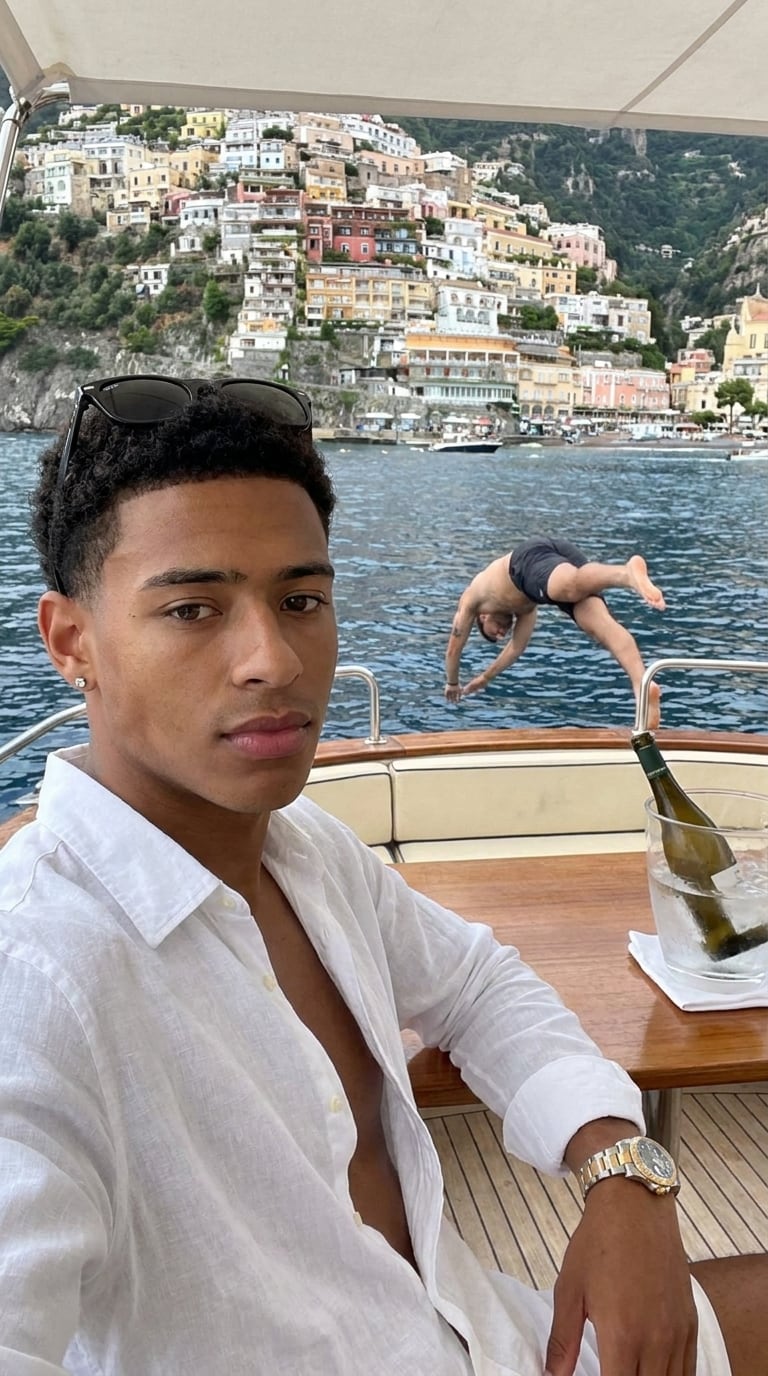
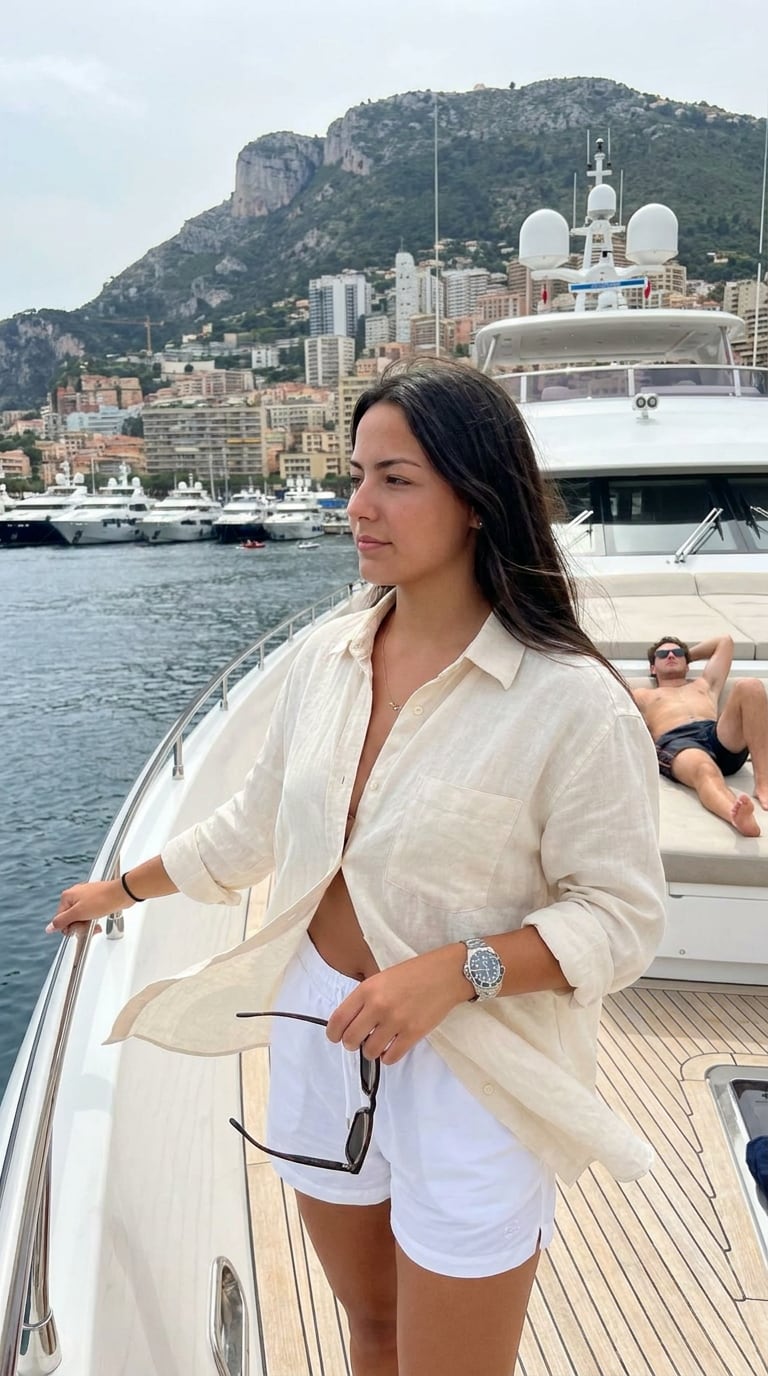
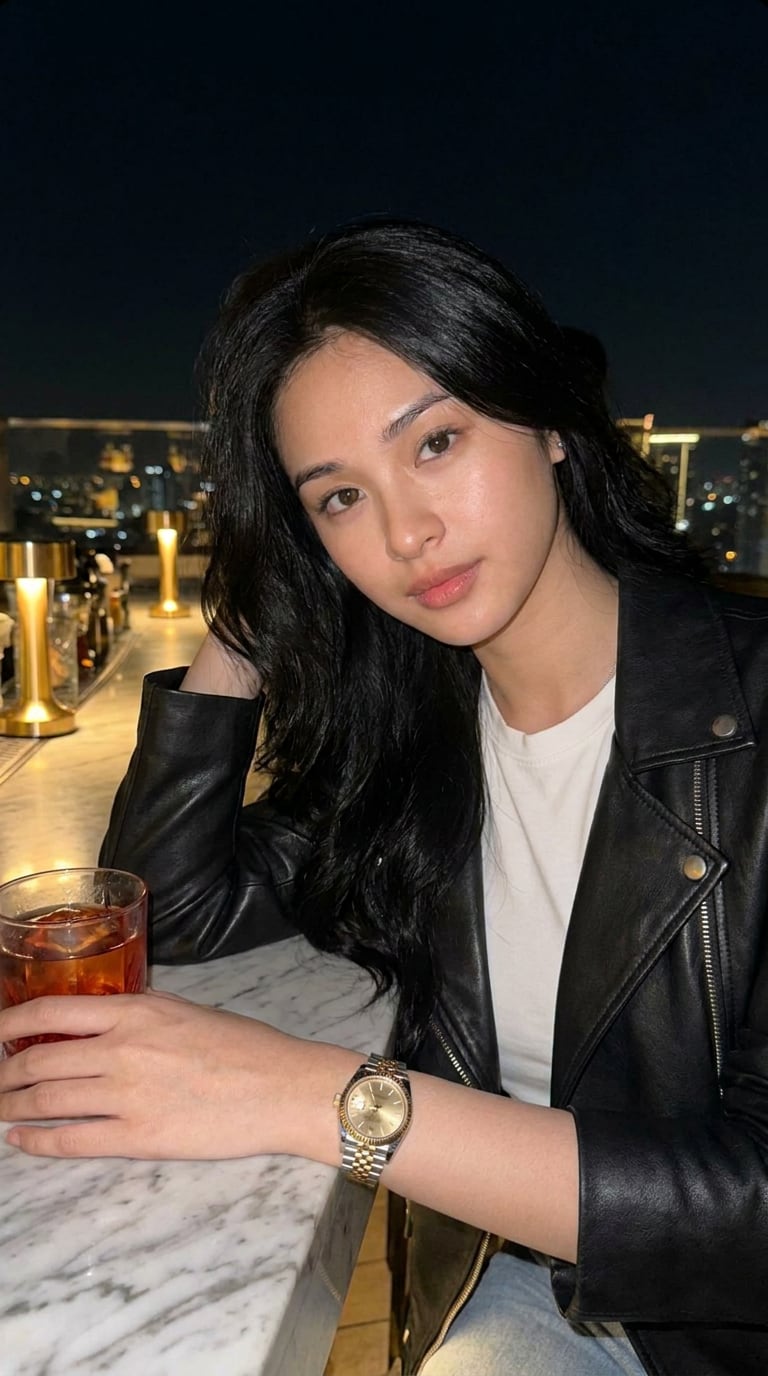
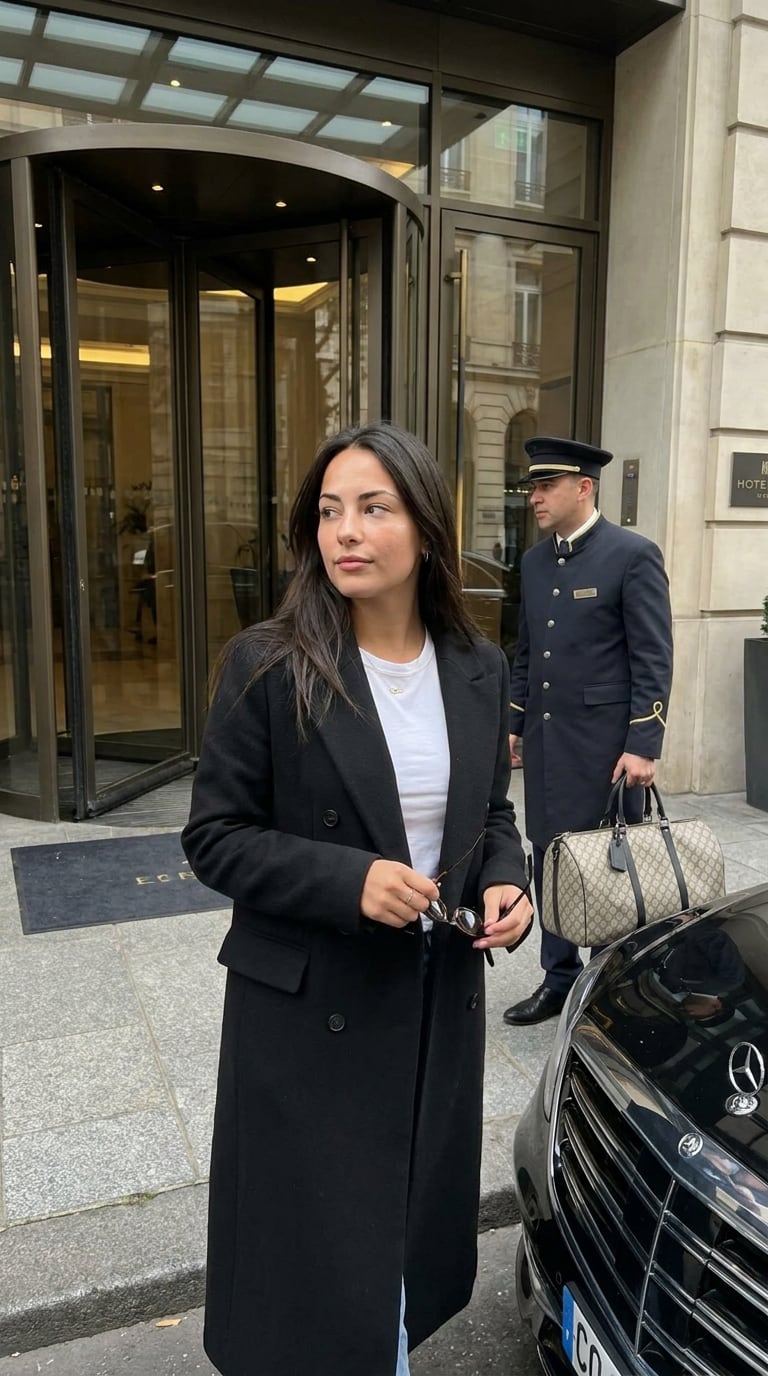
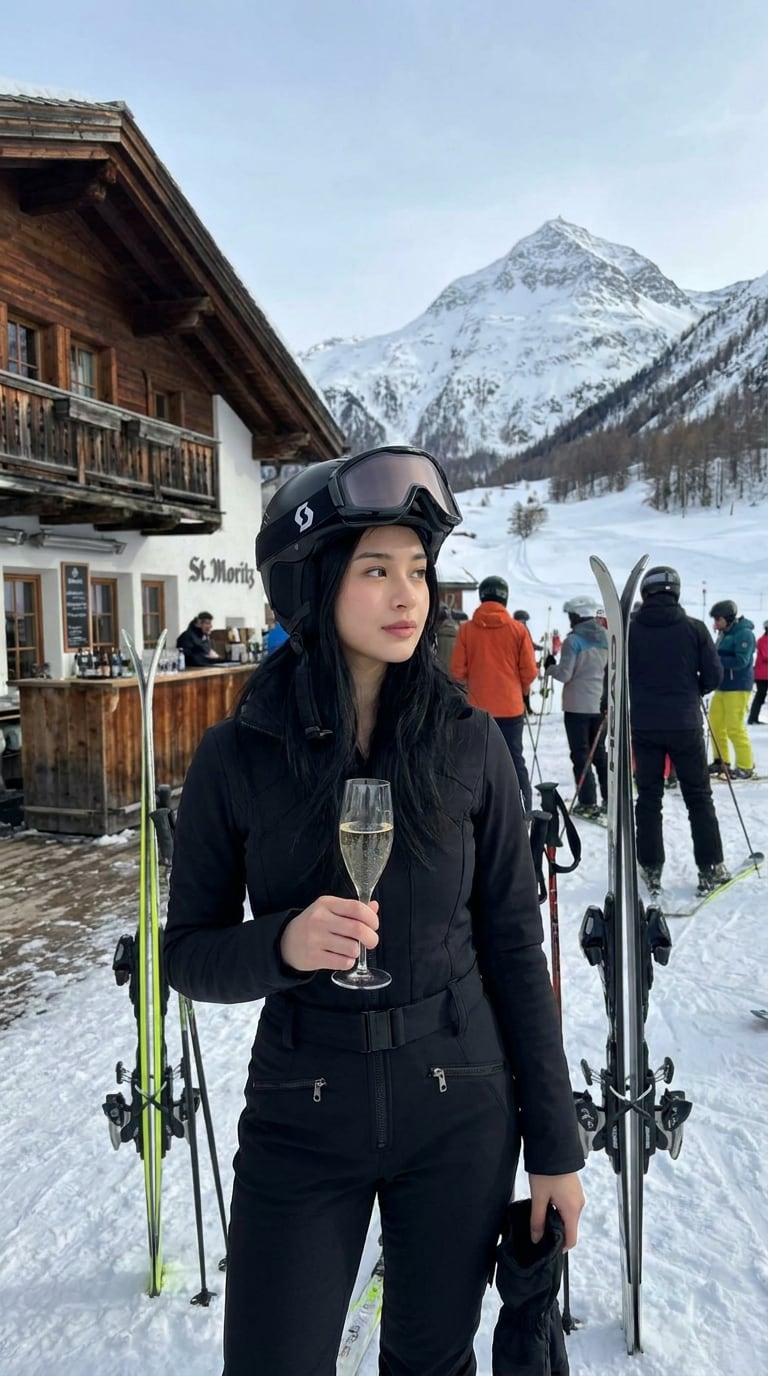

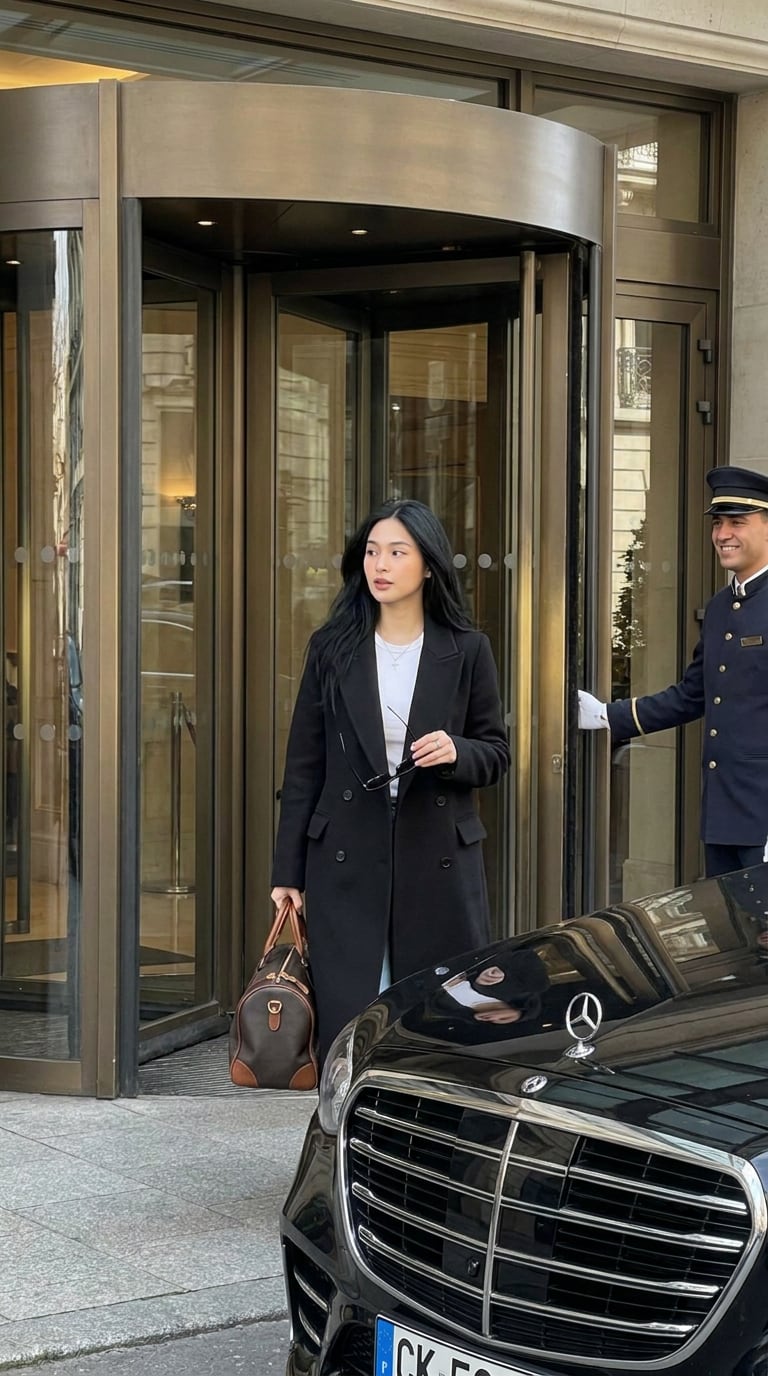
Credits, not commitments.
1 credit makes 1 image. Start with a few free, then pick a plan for how much you post. Cancel anytime.
Before you ask
The honest answers.
Does it actually look like me?+
Yes — that's the whole point. You add 3–4 selfies once, and the engine locks your likeness so every shot is unmistakably you, not a generic model. More angles make it sharper.
Do I need to write prompts or use ChatGPT?+
Never. Tap a built-in scene or describe your own in plain English and generate. No prompt engineering, no other apps — it all happens here.
Will the photos look AI or actually real?+
They're built to read candid and shot-on-iPhone — natural framing, real skin, a little grain. And the Editor gives any shot a real camera look, sharpens it to 4K, or expands the frame, so it posts like a photo, not a render.
What happens to my selfies?+
Your reference photos are stored privately to your account and used only to generate your shots. You can delete them anytime.
How do credits work? Can I cancel?+
You start with a few free generations to try it — real photos, yours to keep. After that, pick a plan for how much you post. 1 credit makes 1 image; change or cancel anytime.